




The other day, I tried to debug this autocomplete list’s broken styles:
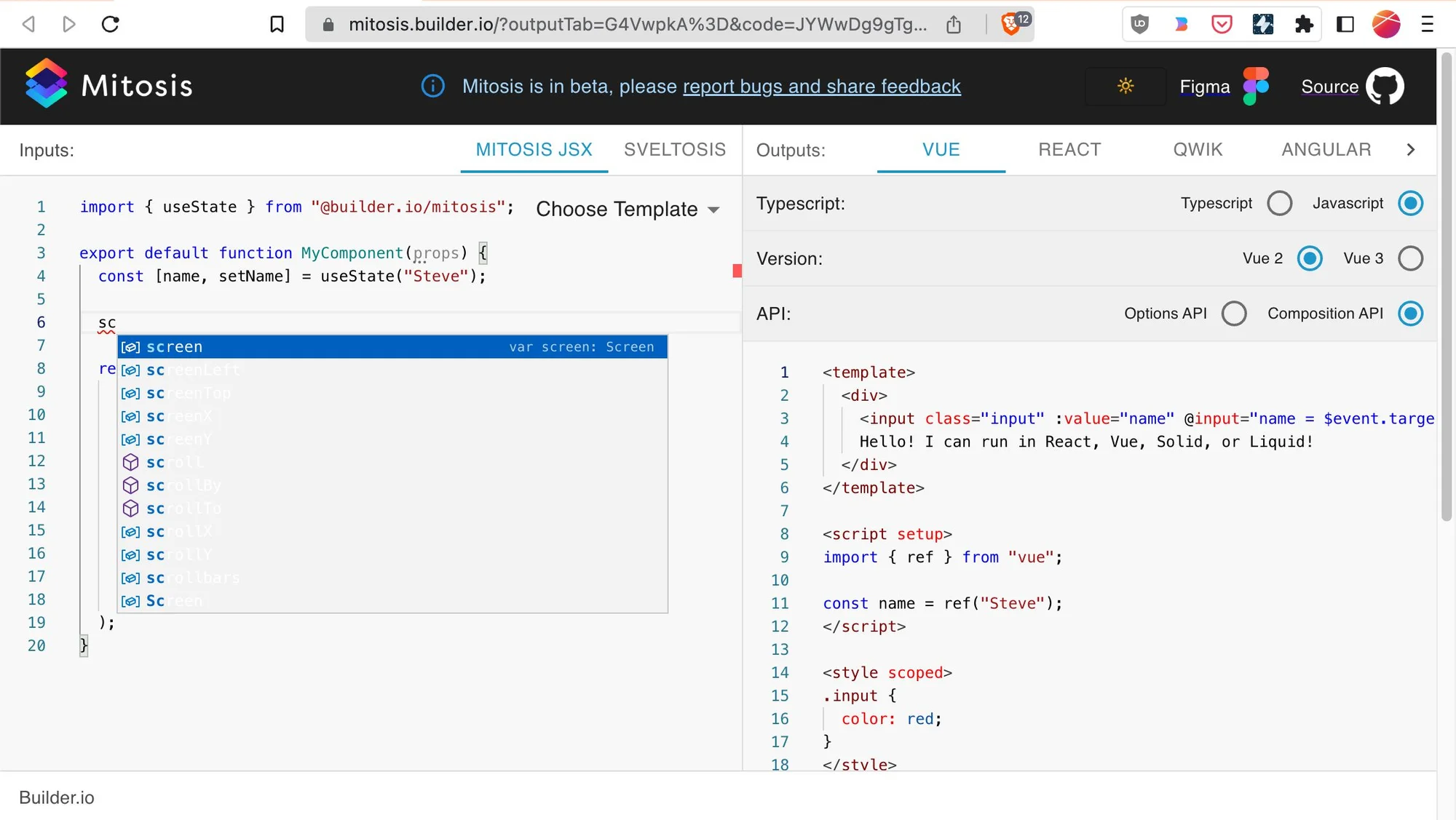
But as many of you have experienced, when you click in your console, that moves focus out of your webpage, and the popover goes away! In this case, I can’t even right-click the popover to click Inspect Element:
I looked around and found two wonderful solutions to this problem in Chromium browsers.
Open your console, press Cmd+Shift+p to open the command palette, and search for Show Rendering :

This opens a Rendering tab, where you can enable Emulate a focused page.

This will preserve focus when you click around in your console.
This one is less practical for this particular example, but can be really useful in situations that have nothing to do with focus. You can COMPLETELY pause JS and enter debugging mode whenever a portion of the HTML has any modifications happen to it!
You start by adding a breakpoint to the subset you care about. In this case, I’ll choose the entire code editor area:

And now, this is what happens when I type a character in the editor:
As you can tell, this requires stepping a lot in the debugger. I prefer solution #1 to preserve focus, but I can see myself using the Break On feature for other complex interactions, especially if I want to jump into the JS code!
Hopefully, you’ll be able to use these tools the next time you want to debug your client-side UIs. If you know of any other cool browser dev tools, share them with us!
